
Show/Event Payment Processing



Background
NFC accepts cash, all major credit cards, PayPal, Apple Pay, and Google Pay for payment at shows and events. This includes merchandise, memberships, membership renewals, and donations.
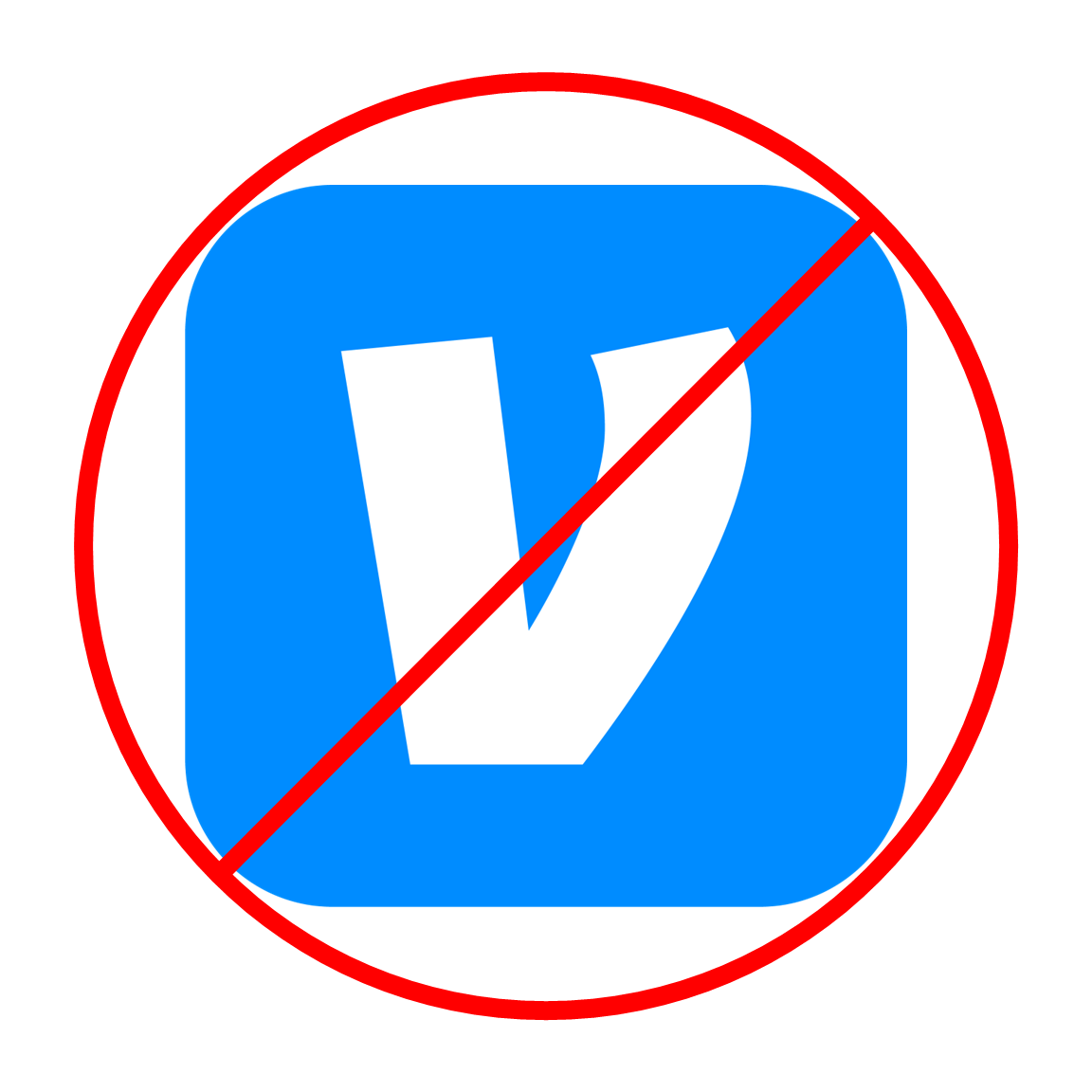
Note: Square does not currently support Venmo. Until they do, please avoid accepting it at shows or events.
Policy
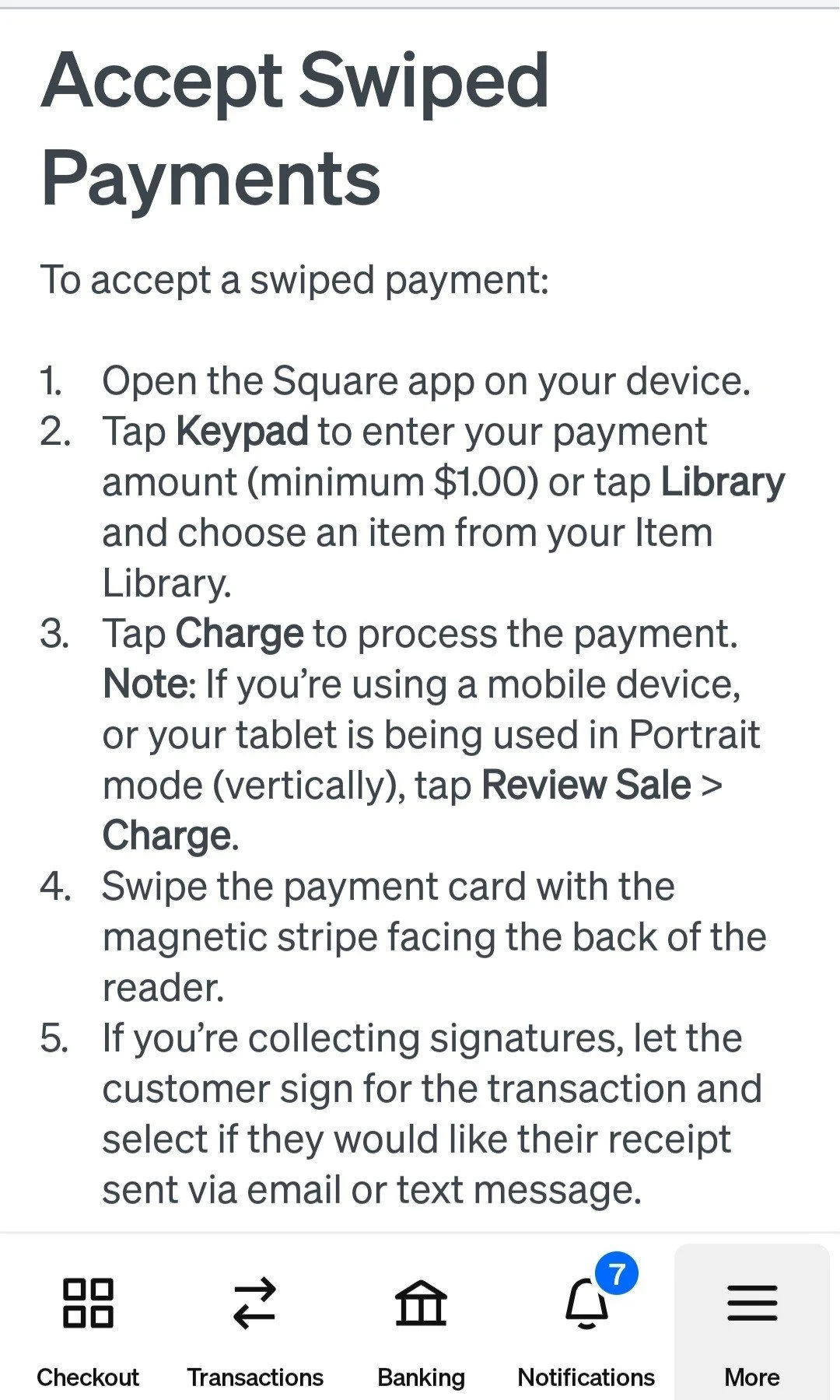
All non-cash payments are processed either via a manual Square transaction or through NFC’s online store.
Square transactions can be done as follows:
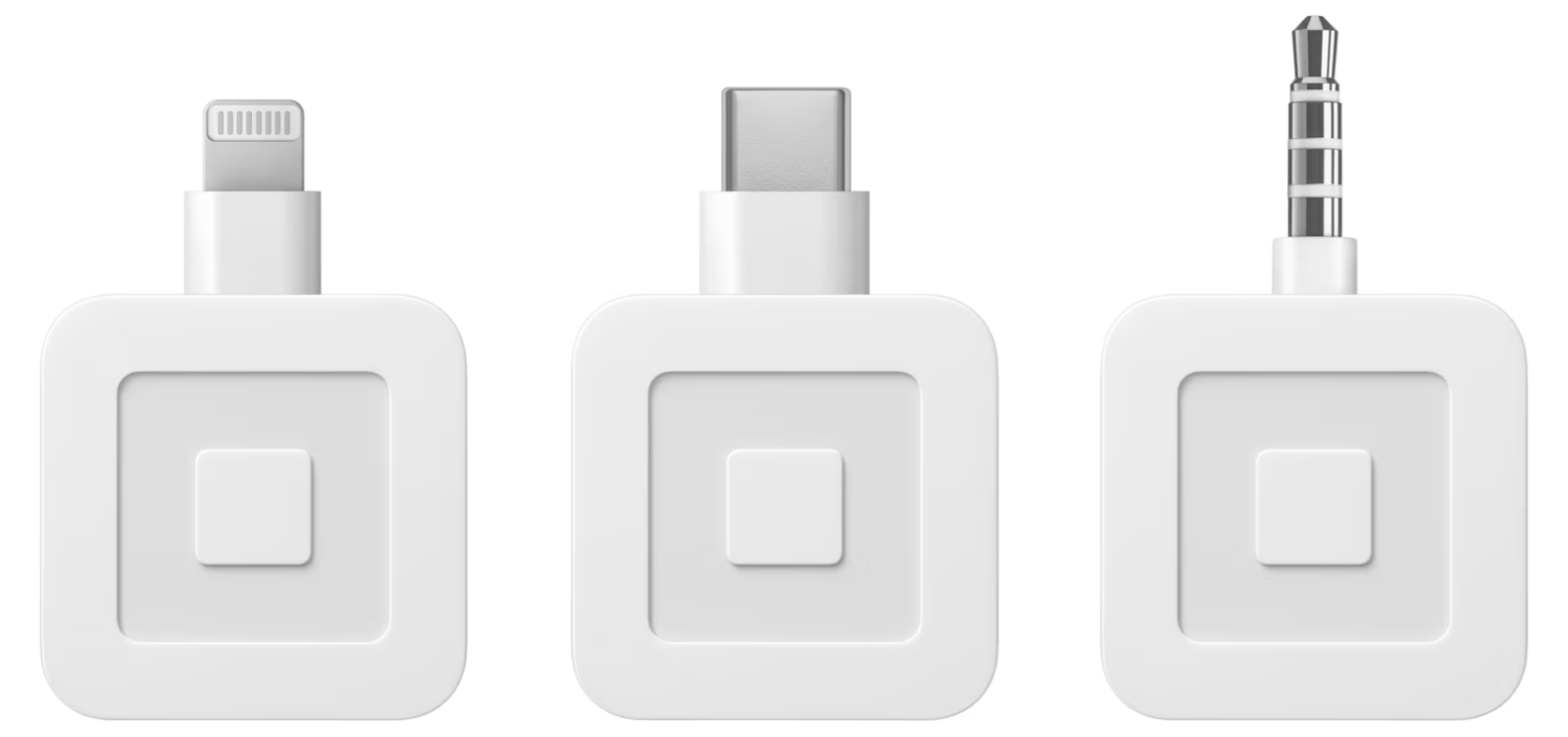
Plug-in Mag Card Slider
Provided by National NFC on Request
Pros
Inexpensive ($10)
Easy to Use
Consistent and Reliable
Cons
Phone Specific
Android
I-Phone
Sometimes varies by phone model or age
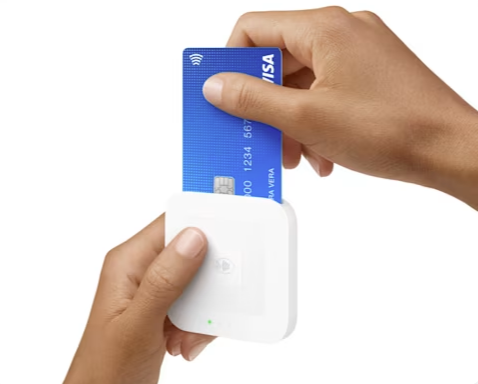
Wireless Card Slider
Provided by National NFC on Request
Pros
Phone Make/Model Independent
Cons
Cost ($60)
Requires Charging
Tap via Phone
Tapping via phone eliminates the need for a separate device
Android: https://squareup.com/help/us/en/article/7960-get-started-with-tap-to-pay-on-android
iPhone: https://squareup.com/help/us/en/article/7786-get-started-with-tap-to-pay-on-iphone
Pros
No Additional Cost
Cons
Not Available on all Phones
Important Note: May require you to remove your phone from the case
Online store transactions can be done as follows:
Laptop
Your phone
Customers phone
Pros
Full Store Access
Shipping Option
Cons
Requires Wi-Fi Connection
General Instructions:
Email the National Chair to be added as a Square account user. Chapter officers may be added to the account, and members at large by exception. When you have been added, please follow the steps below in order:
Download the Square app on your phone.
Open the email from Square inviting you to continue setting up your account. Please check Spam, Social and Promotional folders if you do not see it in your Primary inbox.
All NFC products have been loaded into the Square Library. You should be able to see all our items once you get set up.
Your passcode if prompted = ___________ (will be provided to you by the National Chair)
Make sure Bluetooth is enabled on your phone, then pair your phone with the Bluetooth Square Reader.
Important notes:
Make sure the unit is charged each day before the show.
Please do not use Square for NFC if you already have a personal Square account to avoid the risk of charging and depositing to the wrong account.